

Live Chat
Login
E-Mail Address:

Password:

Latest Orders
SECURE PAYMENTS

Multi Vendor / DropShipper Module (OpenCart Addon)

Product Code: OCMVDP035
Availability: In Stock
Product Inquiry
Price: $108.00
Old Price: $150.00

2 or more $106.00
3 or more $102.00
5 or more $98.00
10 or more $89.60
20 or more $76.80
Name Compatibility
 OpenCart 1.5 1.5.0, 1.5.0.1, 1.5.0.2, 1.5.0.3, 1.5.0.4, 1.5.0.5, 1.5.1, 1.5.1.1, 1.5.1.2, 1.5.1.3, 1.5.2, 1.5.2.1, 1.5.3, 1.5.3.1, 1.5.4, 1.5.4.1, 1.5.5.1

Available Options


Installation Service:


Domain Name:

Qty:  
   - OR -   

Description
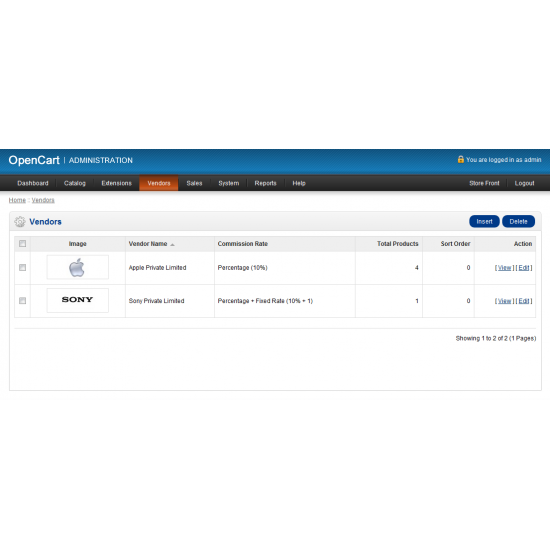
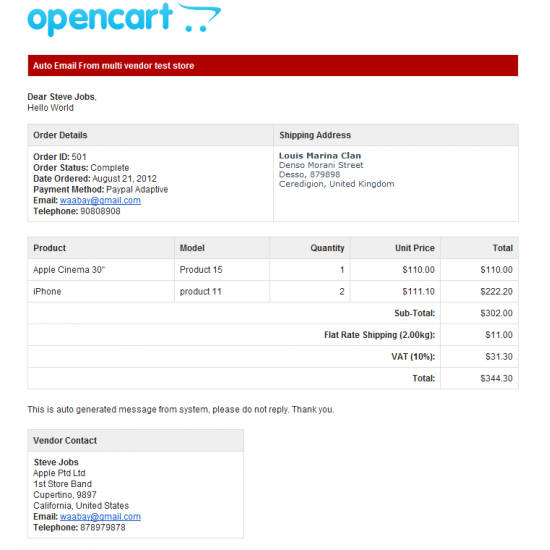
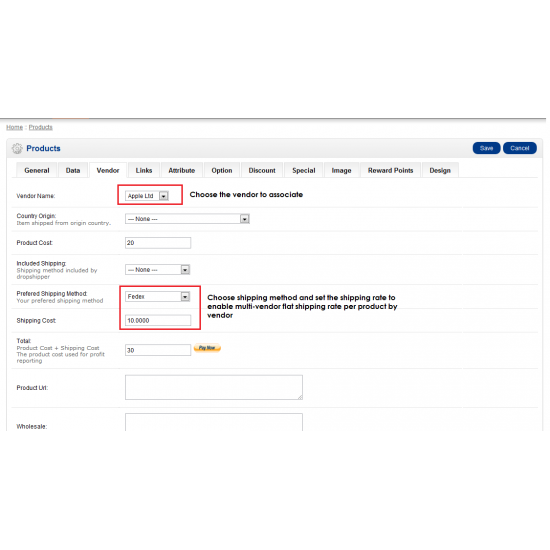
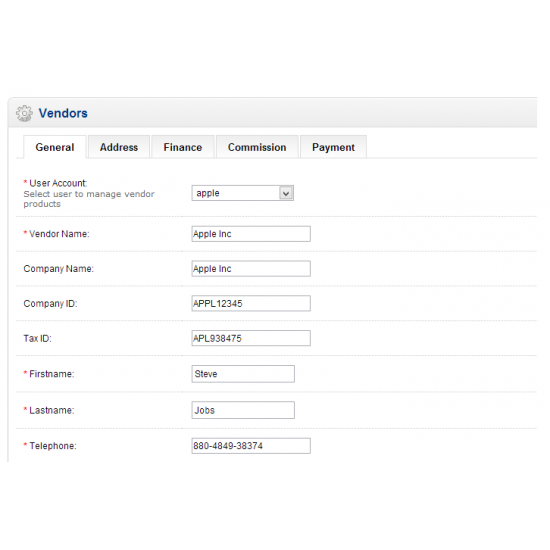
This contribute Multi Vendor/Drop Shipper module to extend OpenCart availability to allow store admin to manage each product associate to third party vendors information. This is especially useful for drop shipper to keep track of the product information such as country origin, product cost, shipping cost, product URL, store URL, contact information and etc. The system has integrated with email system to trigger email to vendor when respective products from vendor are placed by customer either during checkout or history orders is updated.

Advance
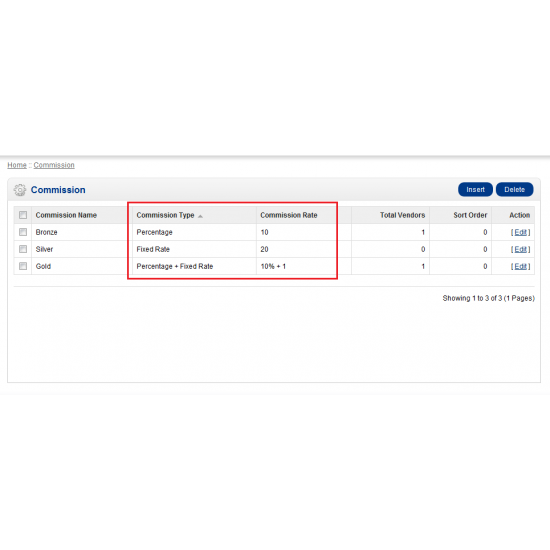
The store owner can assign different commission level associate to each vendor, thus the vendor would be charged by store owner whenever there is a successful transactions. Store owner can accumulate all sales order for each vendor and payout to vendor for every month through PayPal. The mod does included access permission control over vendor’s login to allow each of the vendors to manage and update their respective products, download and category. The vendor can view their sales order, sales statistic and update their profiles and password when it is necessary.

Features
Allow to add unlimited vendors information
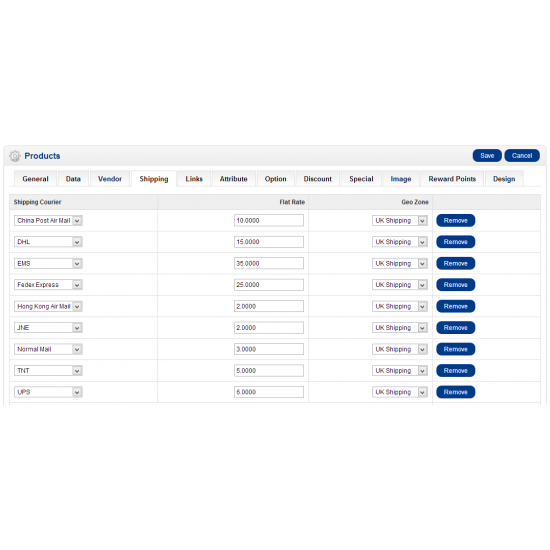
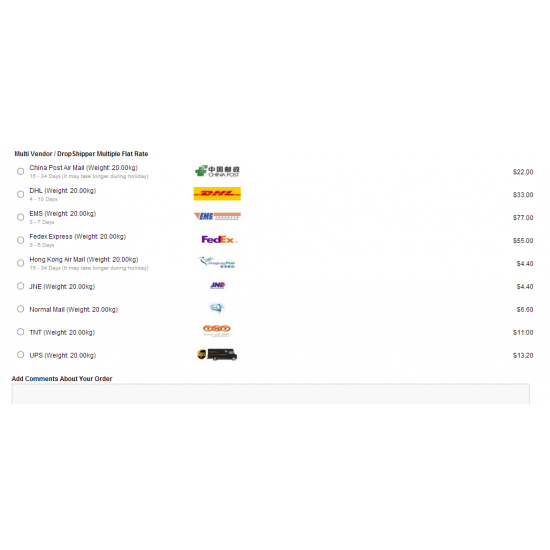
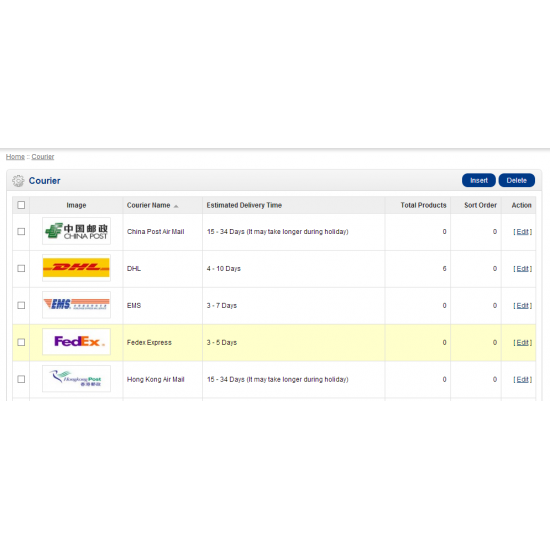
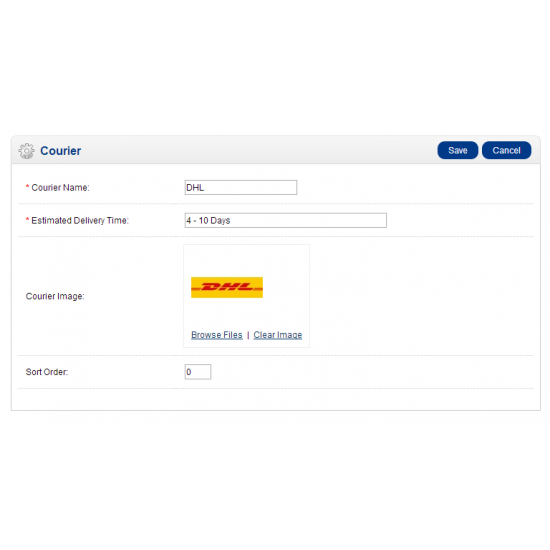
Allow to add unlimited shipping couriers
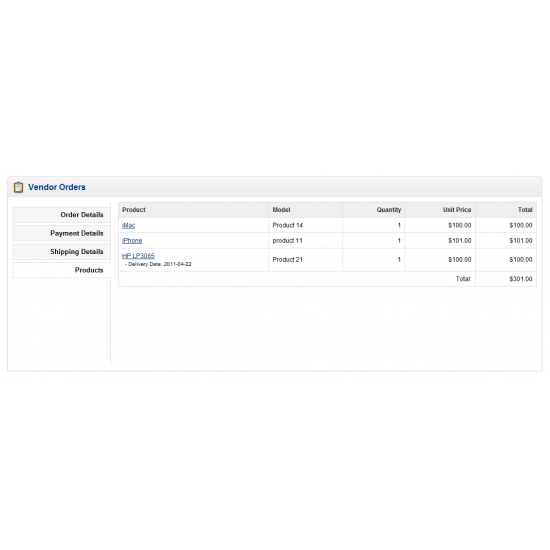
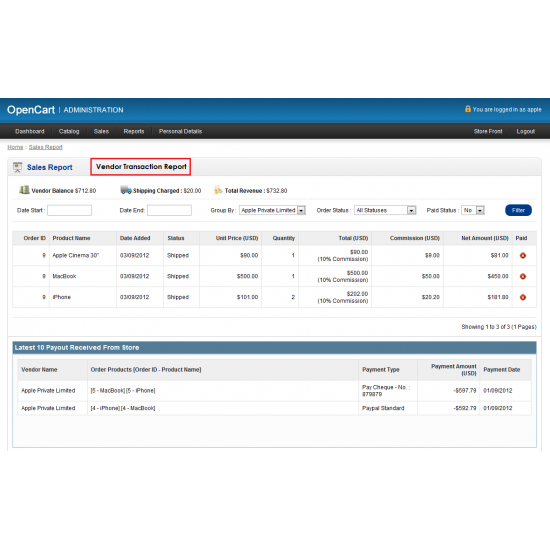
Monthly sales order report for each vendor
Payout report for vendor
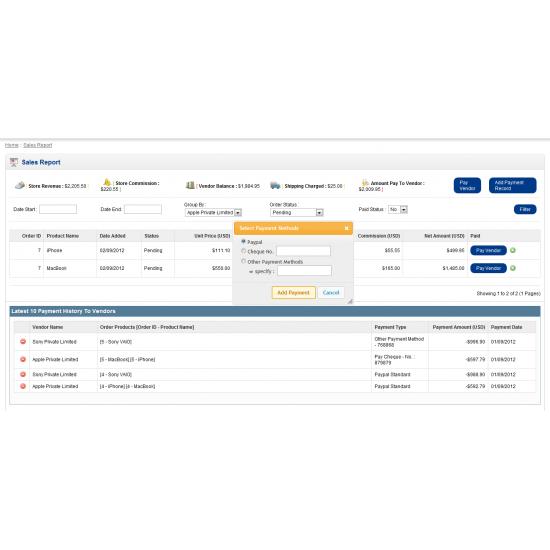
Simple PayPal button for easy payout per product
Simple PayPal button for easy payout to vendor by accumulated monthly sales order
Auto calculate new cost after combine product cost and shipping cost (own estimate shipping cost)
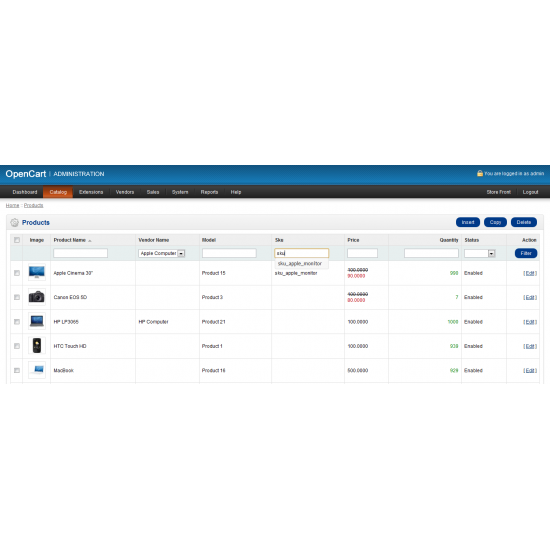
Easy access to all products from same vendor
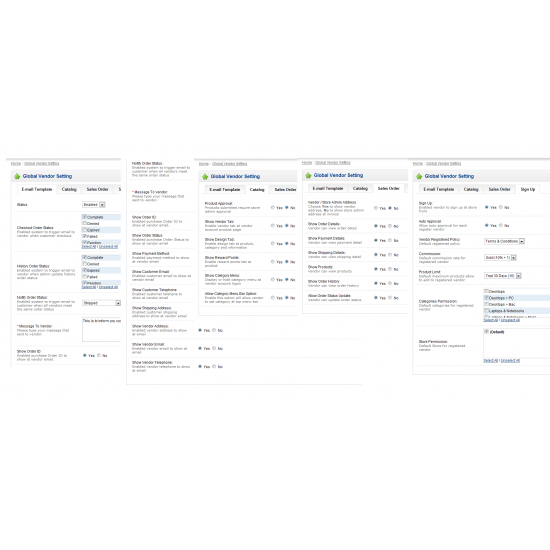
Easy email message modification sent to vendor from store admin
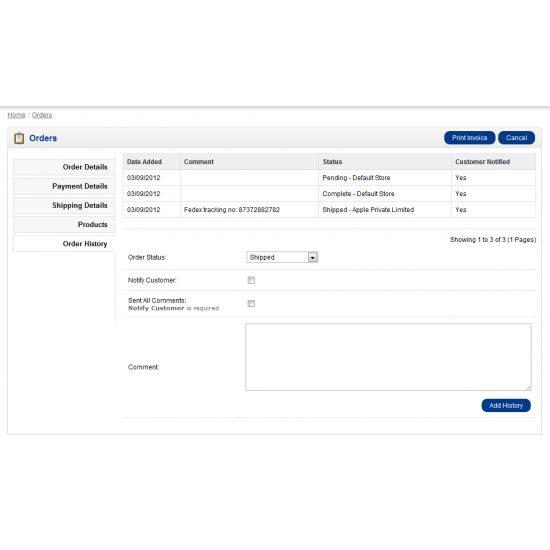
Easy email activation to trigger notification email to vendor at Checkout Or History Order status update
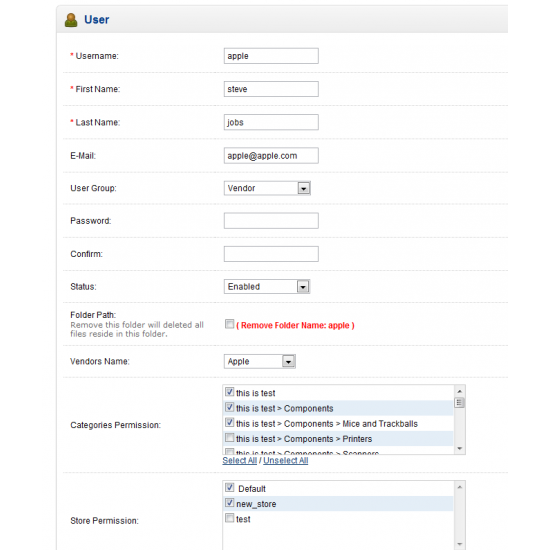
Strict permission control over vendor login to manage own product, category, download, information, profile and password
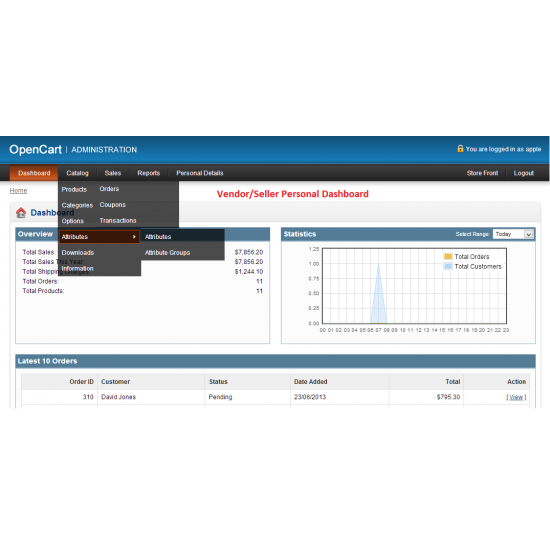
Each vendor reserve own dashboard (Sales order, Total sales, Total Orders, Total Products and Statistic chart)
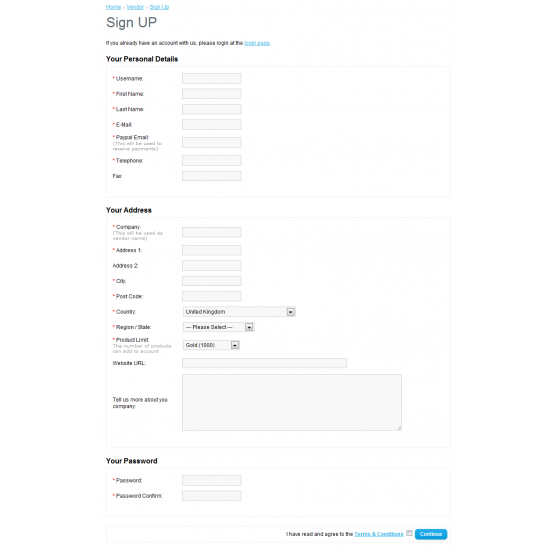
Store front vendor sign up interface
Easy default vendor account setup during sign up (example : commission, store and categories)
Product pending approval feature added 
Restricted vendor images folder for better security
 
New Features And Enhancement Added (31-08-2012)
* Vendor print invoice button enable
* Easy control to print store or vendor address at invoice  
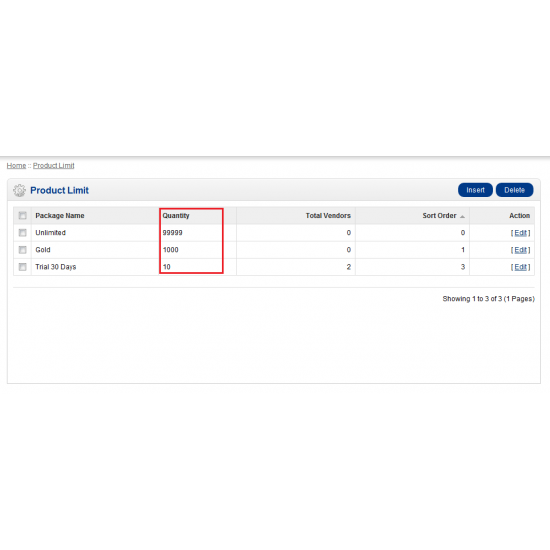
* Easy product limit control over vendors
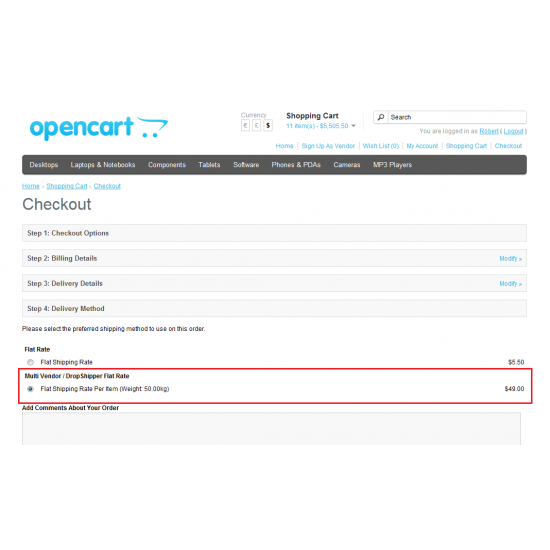
* Easy setup shipping rate per product enabled
* Easy show/hide category menu for vendor account
* Allow different commission level to associate for each vendor (fixed rate, percentage, percentage + fix rate or fix rate + percentage)
* Allow pay per product at sales transaction through paypal standard 
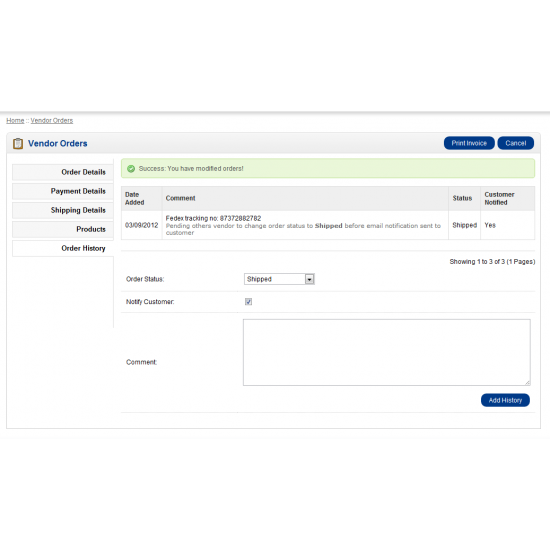
* Order status update notifcation control (system trigger email to customer only when all item are shipped by vendors)
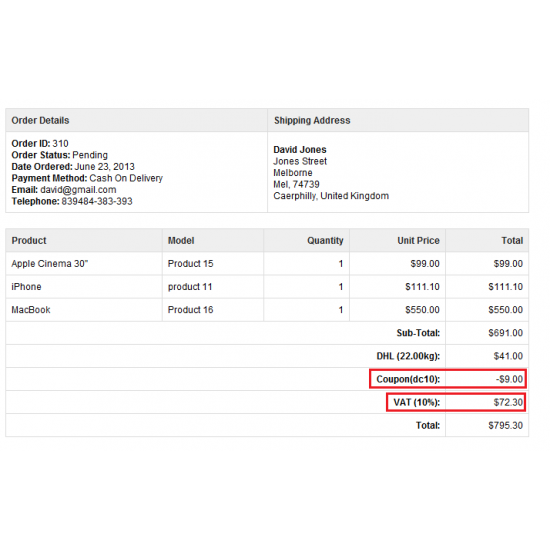
* Single tax rate enabled
* Enchance payment record selection in vendor payment transactions (Now you have option to choose when add payment record such as Paypal, Cheque and other payment method)
* Enchance by adding multiple checkout option to trigger notification email to vendor when customer checkout
* Paypal Adaptive Payment Ready (module sell separately)
* minor bugs fixes

Easy Install
1. Unzip and upload the contents to the root directory of your OpenCart installation
2) Goto http://ip_address/phpMyAdmin, select your opencart database -> Import -> Browse -> mysql.sql
    (Note: If the opencart install with prefix (ocart_), please edit mysql.sql file to include prefix(example : product -> ocart_product) for all tables before import)
3. Login to administrator page, goto 'Admin ‐> Users ‐> User Groups ‐> Edit the Top
    Administrator'. Find and checked all the checkbox for both access and modify access, click Save.

* Easy Install and apply to fresh installed opencart or shopping cart without any core files modified. 
   If you already have customize modified OpenCart installed, you need to install it manually by 
   follow the installation step. 

Demo
http://mv.hooliao.com

Video Demo

Installation Service
If you need the installation service, please included it when purchased. I can do the limited module integration.

Write a review

Your Name:


Your Review: Note: HTML is not translated!

Rating: Bad            Good

Enter the code in the box below:


WaaBay OpenCart Store © 2010